How it works
From photo to photorealistic redesign in a few seconds — here's exactly what happens.
1. Upload
Drag in a daytime photo of your house. We downscale to 2048px and strip EXIF in your browser.
2. Pick a preset
Paint, siding, roof, windows, a full style, or landscaping — with color and material options.
3. AI redesign
We send your photo to a specialized image-editing model with an architecture-preserving prompt.
4. Compare
A before/after slider shows exactly what changed. Regenerate for a new take.
5. Download
Grab the result. Free downloads are watermarked; Pro is clean 2K.
6. Private & safe
No photo metadata leaves your device. Turnstile and rate limits protect the service.
See what the AI makes — real before & afters
See all 58 →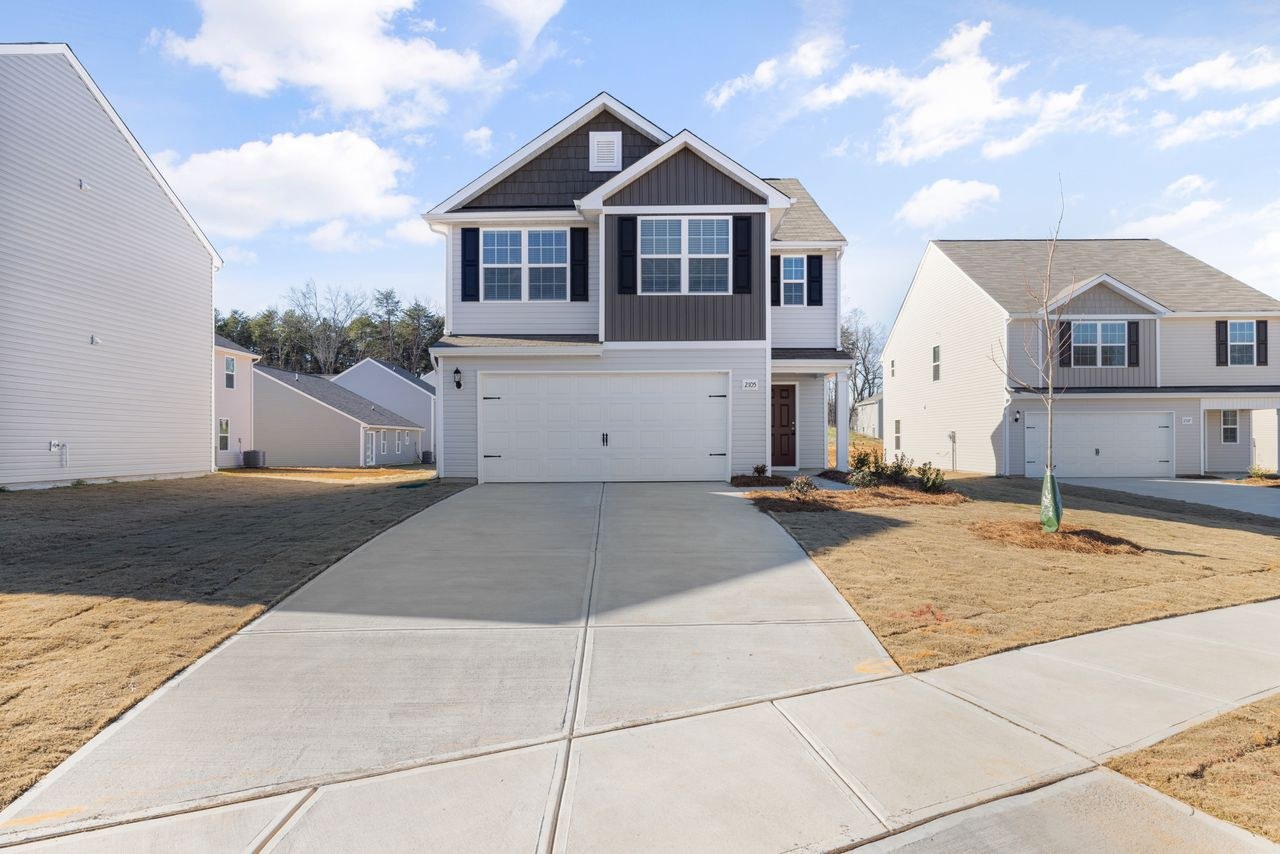
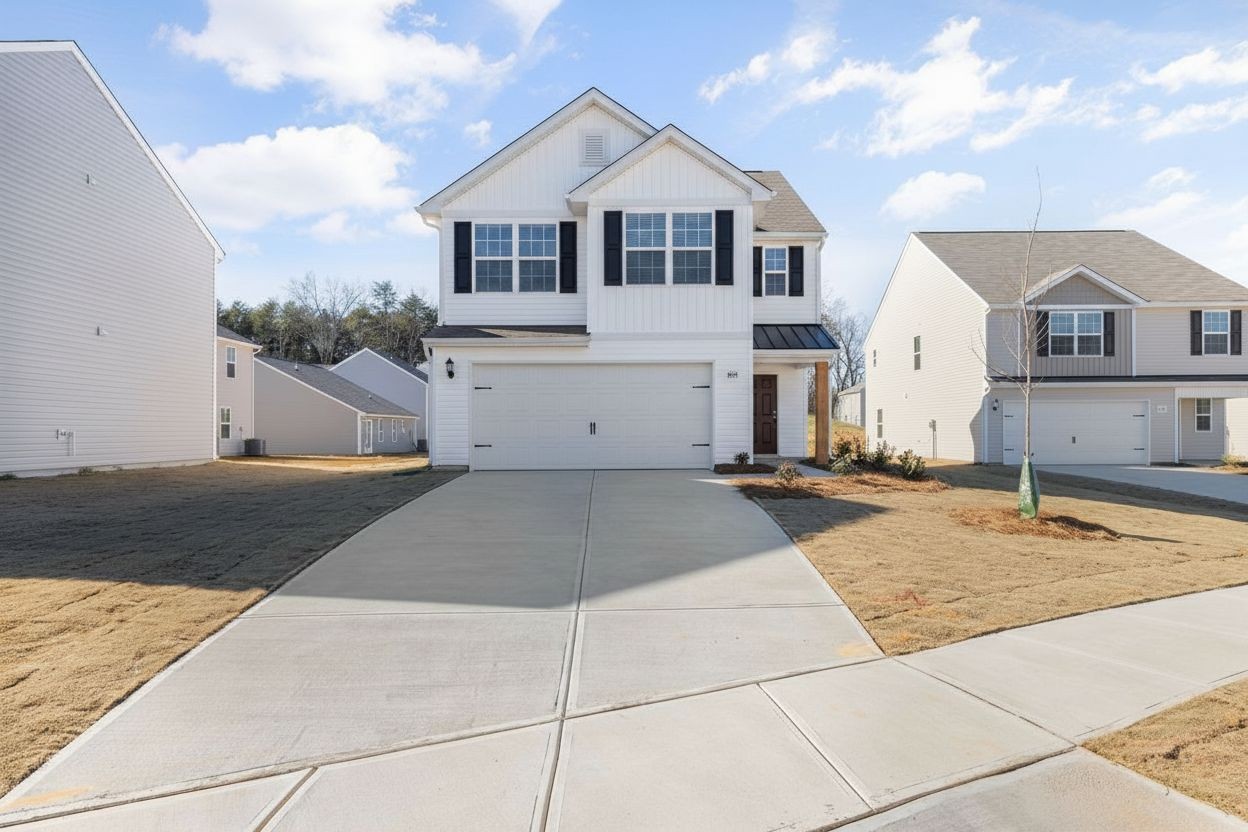


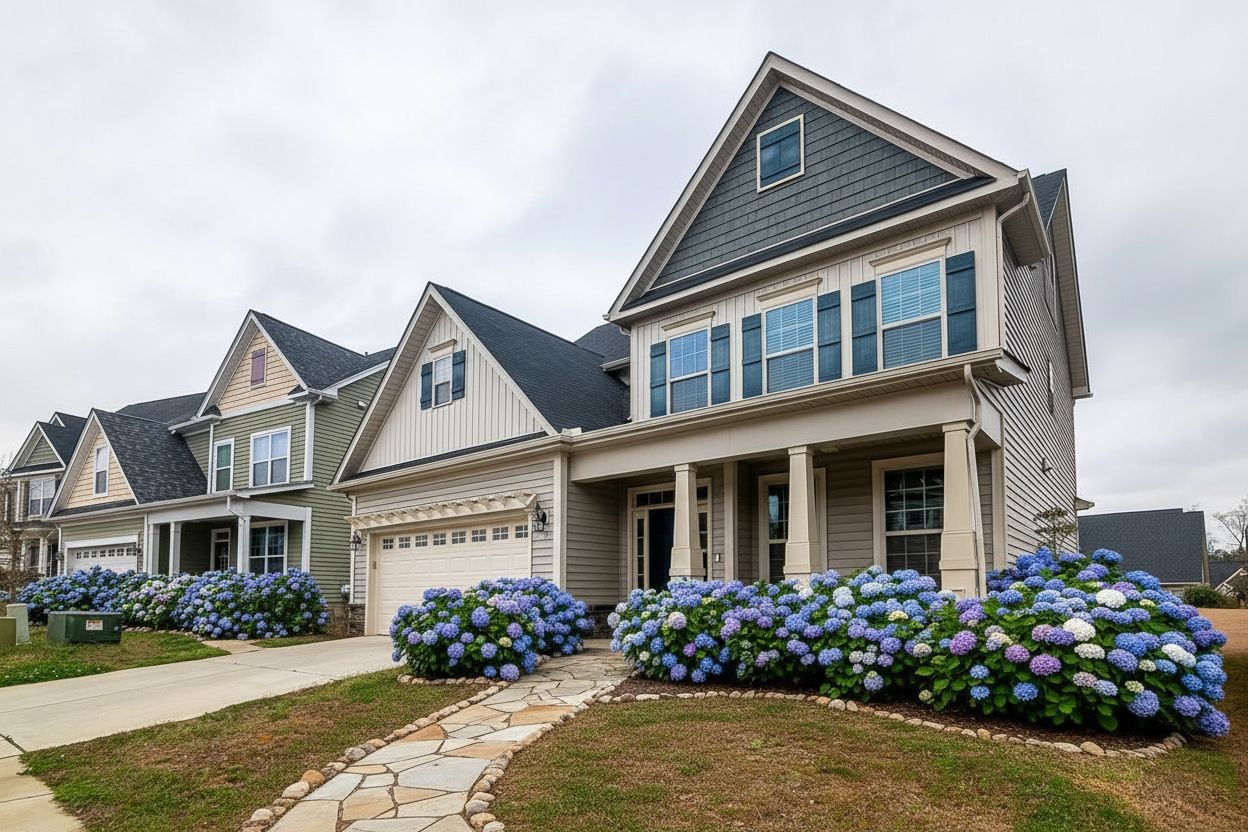

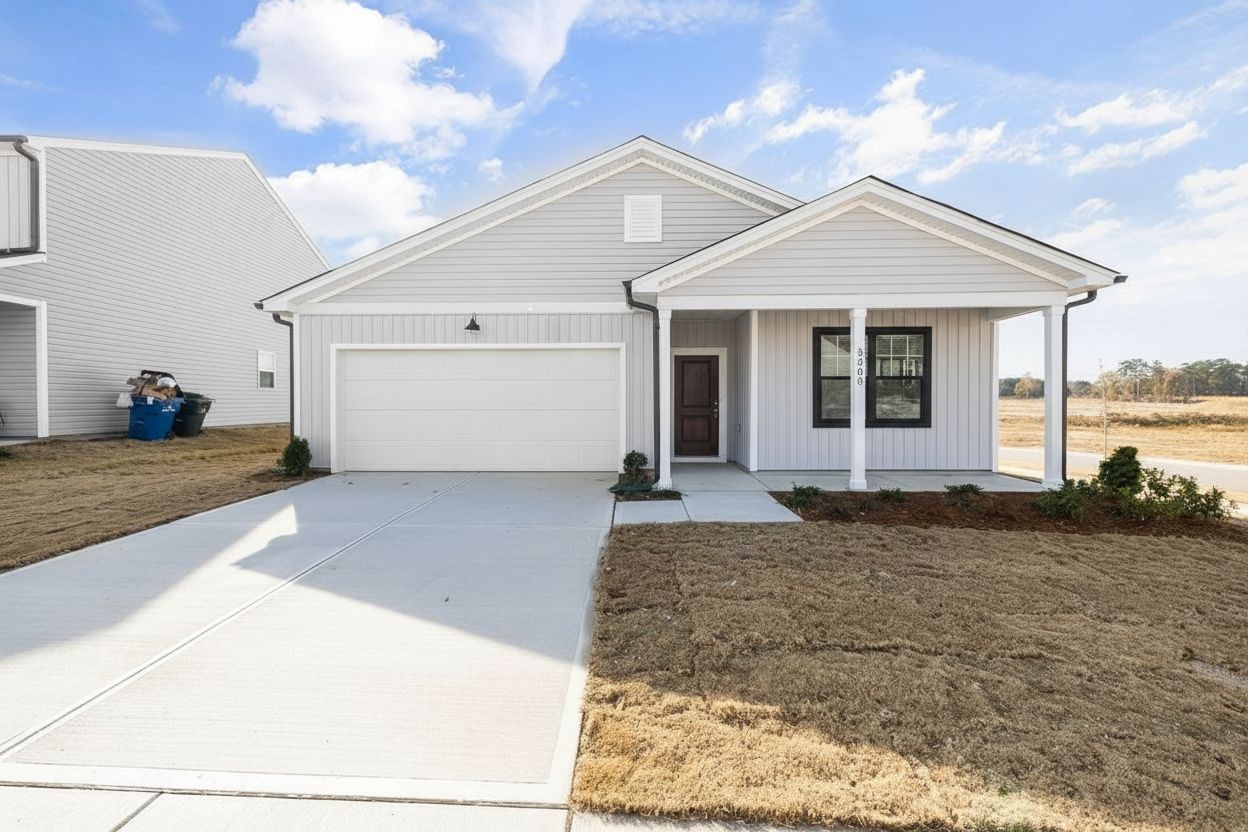

Frequently asked questions
How does the AI keep my house recognizable?
Every prompt ends with a preservation clause telling the model to keep your architecture, windows, roof and proportions exactly. We use the latest 2025-era editing models that are built for targeted edits.
How long does a render take?
Usually 8–12 seconds. If a model is busy you'll see a skeleton with tips while it finishes.
What happens to my photo?
It's downscaled and stripped of metadata (including GPS) in your browser before upload. See our Privacy Policy for details.
Why do full-style makeovers look different?
Large restyles move more of the image, so identity can drift. We label these 'Concept' — use Regenerate to explore alternatives.